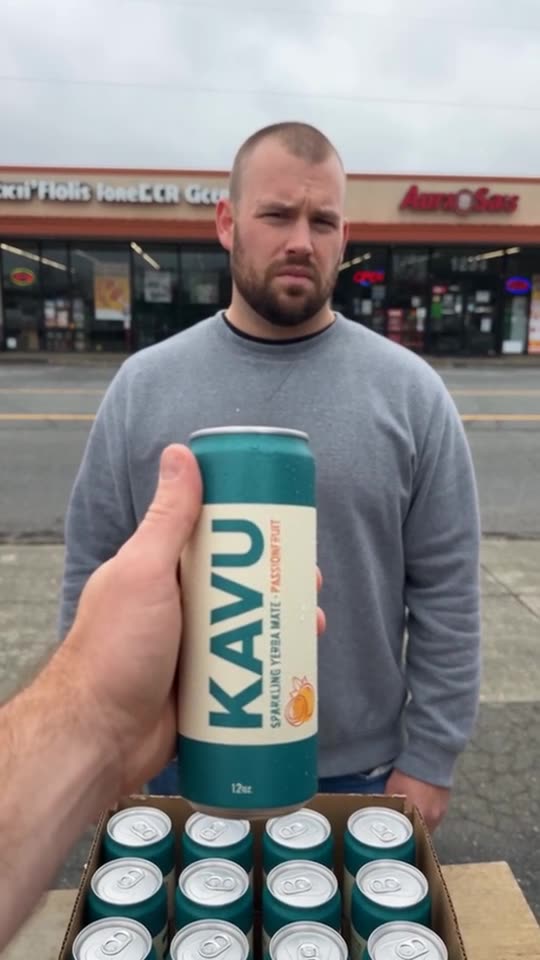
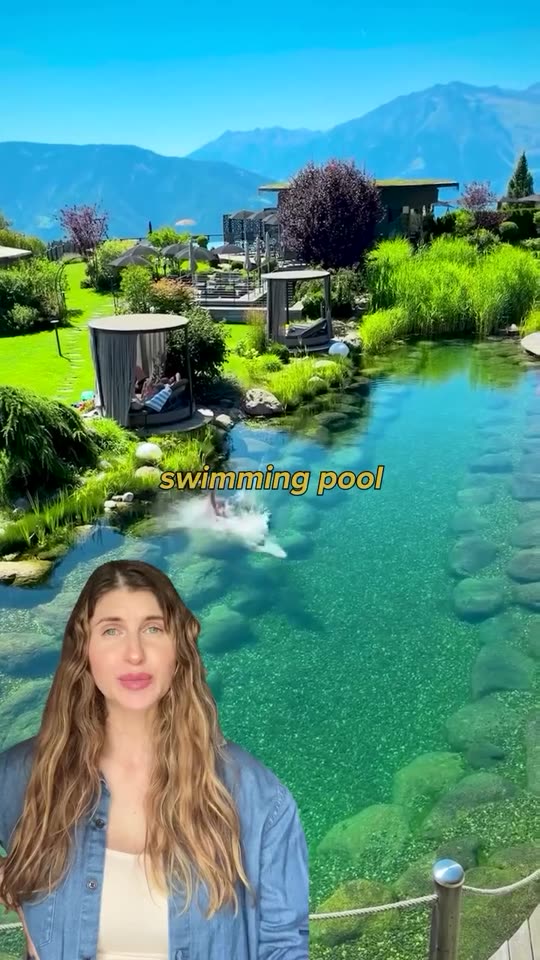
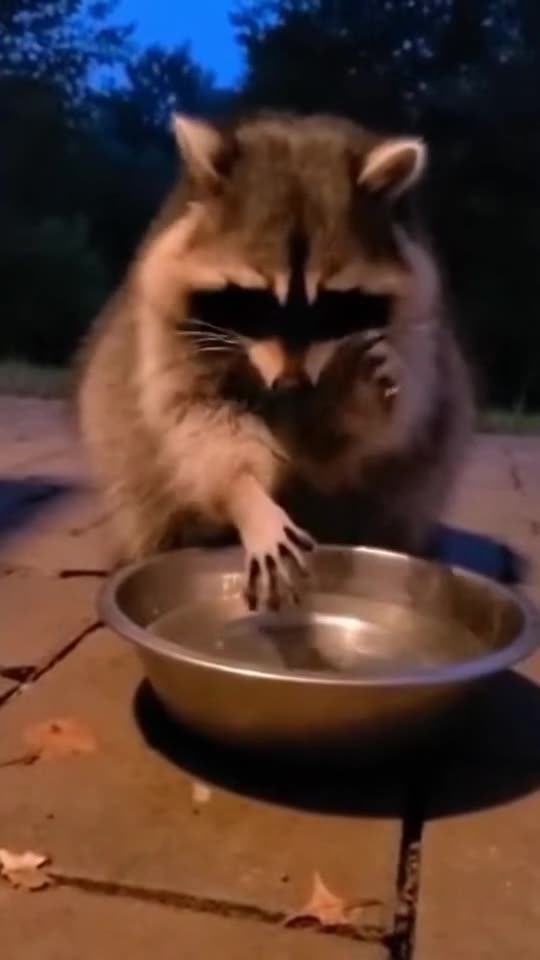
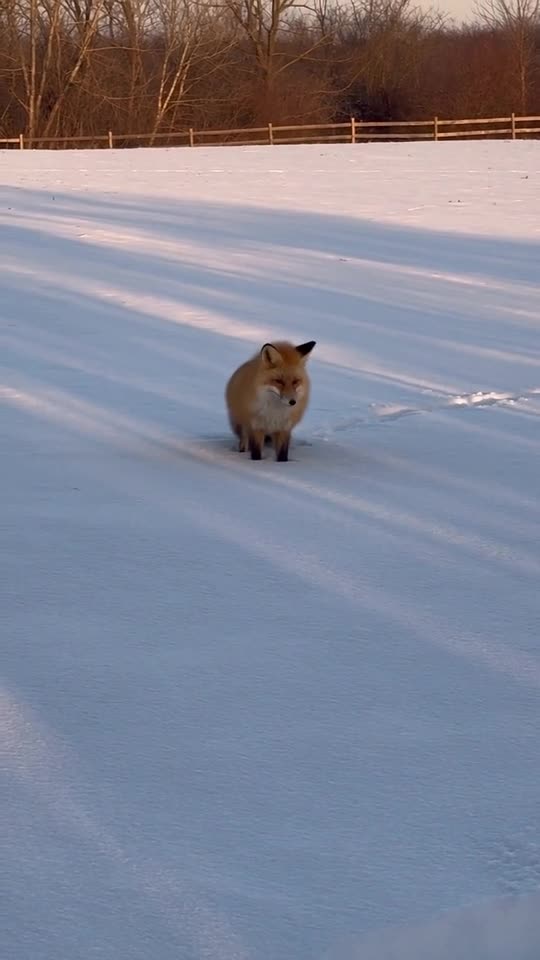
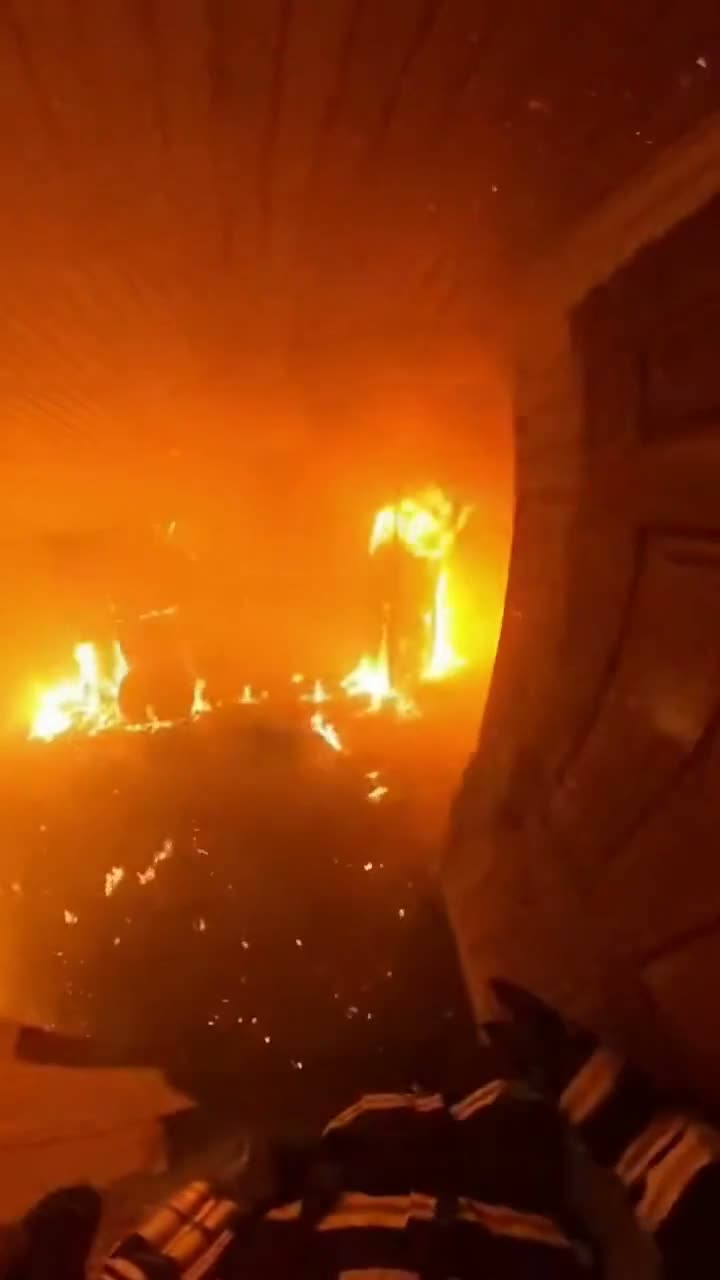
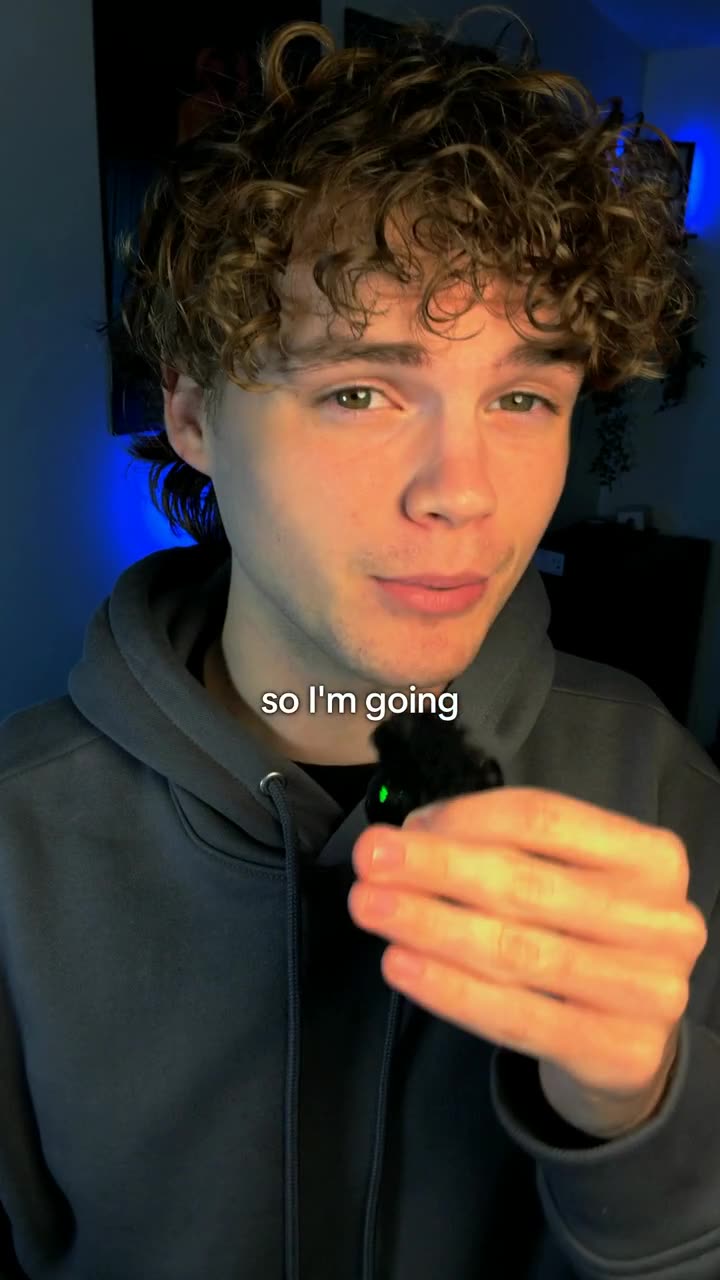
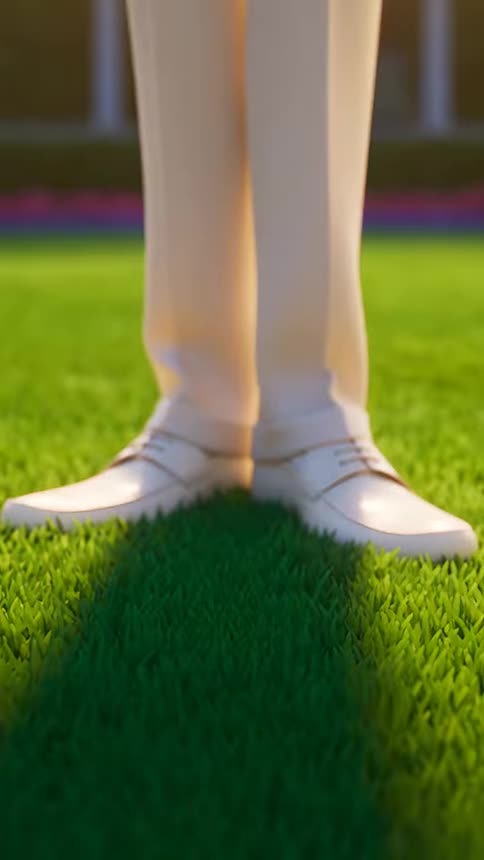
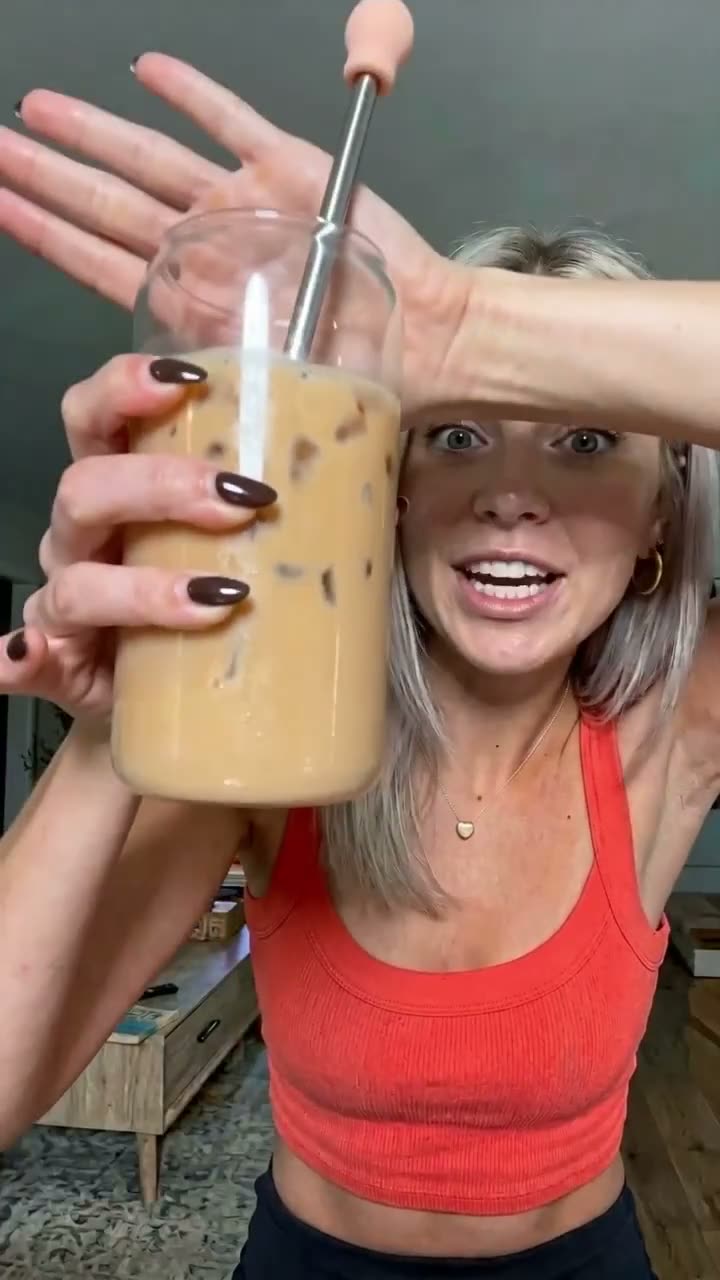
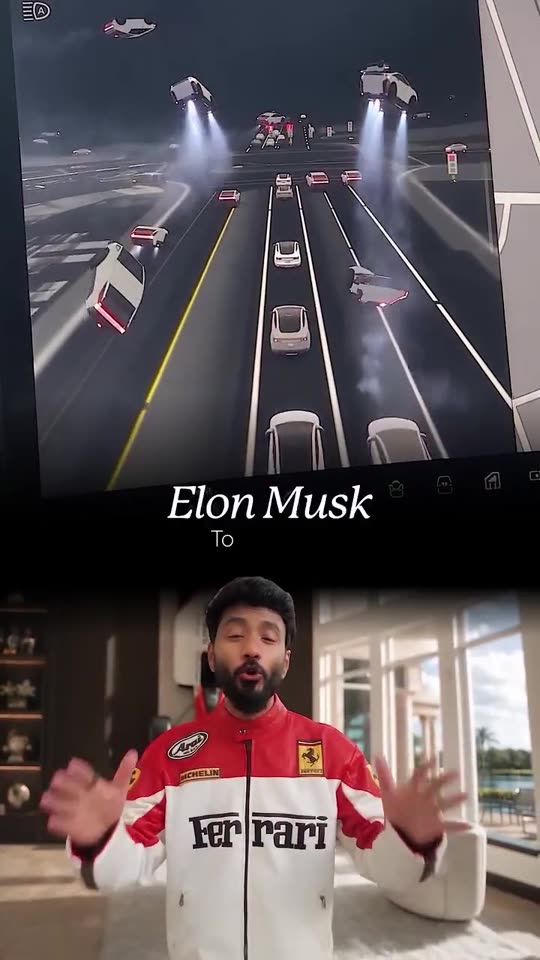
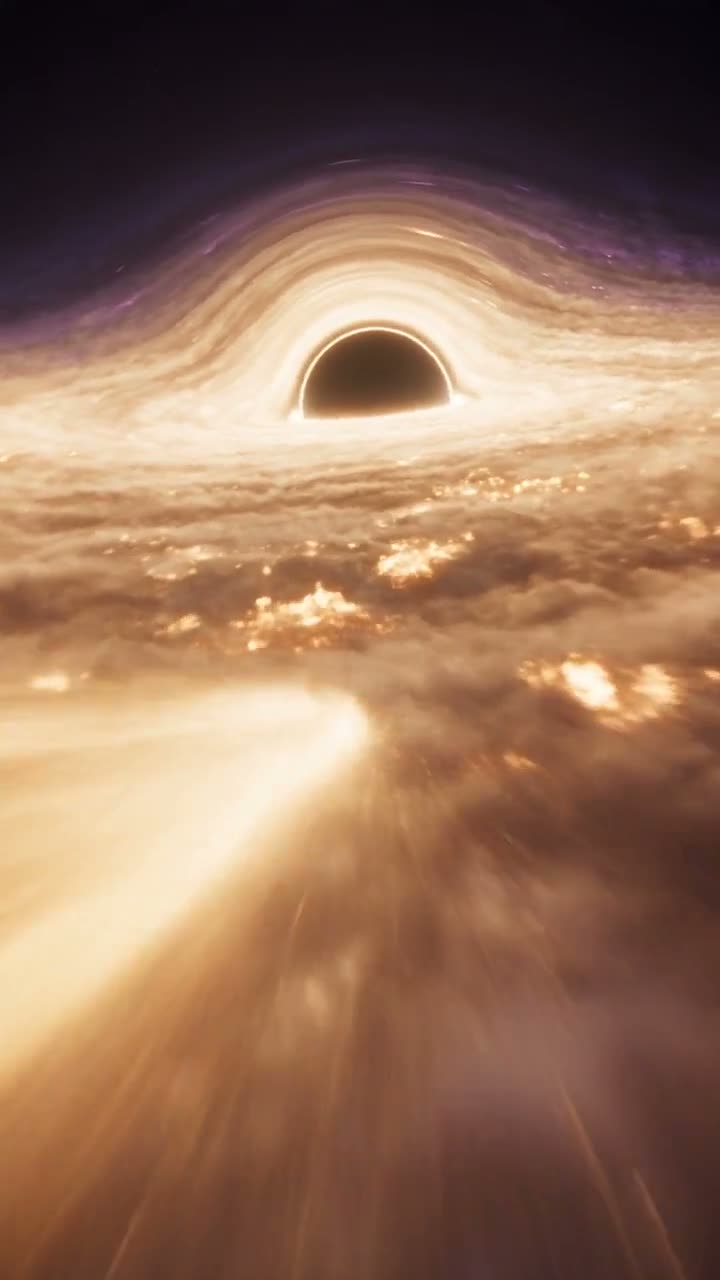
The AI Video Generator turns a written description into a video clip. Pick from Seedance, Kling, Gemini Omni, MiniMax and Grok Imagine models in one place, then choose the length, orientation and resolution.
How it works
Describe the shot you want, and add a start frame or reference images if you have them.
Pick a model, the length, the orientation and the resolution.
Make up to 4 versions at once and keep the best take.
Good for
A cinematic b-roll shot for a faceless channel.
A product photo animated into a short ad scene.
A character kept consistent across several shots.
Who it's for
Creators making YouTube Shorts, TikToks and Reels, and marketers who need product shots or ad scenes without a film crew.
Cost
Each clip costs credits based on the model, length and resolution. The exact cost shows before you spend anything.
Questions
Which AI video models can I use?
Seedance, Kling, Gemini Omni, MiniMax and Grok Imagine.
Can I start from my own image?
Yes. Add a start frame or reference image and the model animates from there.
Do the videos have sound?
Models with native audio can create dialogue, ambience and effects with the picture.
How many videos can I make at once?
Up to 4 from one prompt, so you can compare takes side by side.